Most organisations have more people working alone than they realise. Field technicians, property managers, council officers, farm staff, community support workers, on-call managers. People who spend part of their day out of sight of colleagues. Equipping every one of them with a dedicated radio isn’t always practical. But leaving them with nothing more than a phone call they may not be able to make isn’t a safety system either.
A push-to-talk (PTT) lone worker app closes that gap. It turns the smartphones your people already carry into push-to-talk radios connected to your dispatcher, so you can protect a whole workforce quickly and affordably, then extend coverage with vehicle Wi-Fi or Starlink, and add a personal locator beacon (PLB) for the places no network reaches.
Why an app-based lone worker solution?
Under the Health and Safety at Work Act 2015, businesses must manage the risks to people working alone so far as is reasonably practicable. WorkSafe’s advice on remote and isolated work includes making sure workers carry reliable communication and have a way to raise an alarm. For many roles, the most practical first step is the device that’s already in their pocket.
An app-based approach suits organisations that need to:
- Cover lots of people quickly — roll out to dozens or hundreds of staff without buying and issuing new hardware.
- Include part-time, casual and on-call staff who only occasionally need to be on the channel.
- Control costs — a per-user subscription on existing phones, rather than a device for every worker.
- Scale up and down — add users in minutes for a project, a busy season or an emergency response, and remove them when they finish.
- Mix devices — keep app users on the same talk groups as rugged radios used in higher-risk roles.
Meet Press2Talk
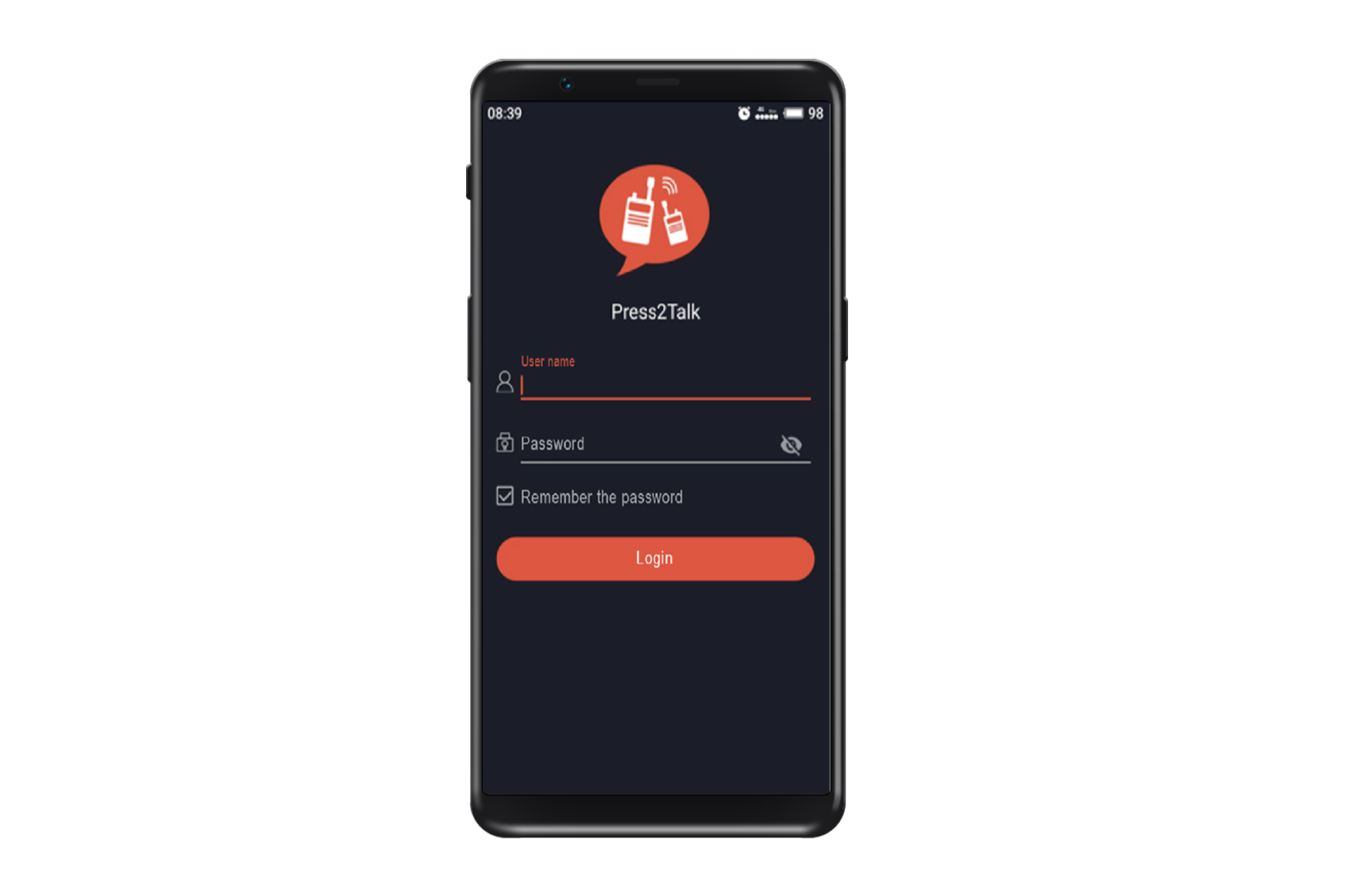
Press2Talk is the smartphone app on Signals’ push-to-talk over cellular (PoC) service. Installed on an iOS or Android phone, it works like a two-way radio: press the on-screen button and talk instantly to your group, with no dialling and no waiting for someone to answer.
Because it runs on the same PoC service as Signals’ Kirisun radios, vehicle units and body-worn cameras, everyone talks to everyone. A manager on the app, a field worker on a rugged handheld and a driver on an in-vehicle radio can all share the same talk group, and the dispatcher sees app users alongside everyone else.
| Feature | What it means for lone workers |
|---|---|
| Individual and group push-to-talk | Reach one person or the whole team instantly with one press |
| Emergency alert | Raise an alarm to the dispatcher and team from the app |
| Live location | Workers’ positions shown to the dispatcher, so help goes to the right place |
| Web dispatcher console | Your office or control room sees every user on a map and manages calls and alerts from a browser |
| Call recording and video | A record of what was said, and video when a picture explains more than words |
| Temporary groups | Pull together a team for an incident or job in seconds |
| Works on mobile data or Wi-Fi | Use cellular where it’s good, and Wi-Fi from a vehicle or site where it isn’t |
Match the device to the risk
An app is a powerful starting point, but it isn’t the right tool for every role. A phone in a pocket or a ute cab can’t reliably detect a fall, and a touchscreen is harder to use with wet gloves on. A scalable lone worker system lets you match the device to the risk — while keeping everyone on the same network and the same dispatcher.
| Risk level | Typical roles | Recommended device |
|---|---|---|
| Lower | Managers, on-call staff, property and community workers, inspectors in town | Press2Talk app on the worker’s phone |
| Moderate | Field technicians, rural staff, regular solo travel | Press2Talk app plus vehicle Wi-Fi for better coverage |
| Higher | Utilities, forestry, quarries, confrontation-risk roles | Rugged PoC radio such as the Kirisun GP700 or T65, with dedicated SOS button and man-down detection |
| Beyond coverage | Backcountry, remote sites, off-road work | Any of the above, plus a PLB carried on the person |
Because app users and radio users share the same talk groups, you can start with the app across the business and upgrade individual roles to rugged hardware as your risk assessment requires — without changing systems.
Extending coverage: vehicle Wi-Fi and Starlink
New Zealand’s terrain means mobile coverage can fade quickly once you leave the main roads. Because Press2Talk can run over Wi-Fi as well as mobile data, you can extend where it works by bringing a connection with you.
Vehicle Wi-Fi routers
A vehicle-mounted 4G router with a roof-mounted, high-gain antenna can hold on to a usable mobile signal where a phone on its own can’t, then share it as a Wi-Fi hotspot around the vehicle. Dual-SIM routers can also switch between two carriers, so one network’s dead spot isn’t automatically a dead spot for your team. Workers near the vehicle stay connected to the dispatcher, even where their phone shows no bars.
Starlink
Where there’s no mobile coverage at all, a Starlink satellite terminal can provide the internet link instead. Connected to a vehicle or site router, Starlink turns a ute, a base camp, a remote depot or a temporary works site into a Wi-Fi zone where Press2Talk works just as it does in town. For crews who regularly work in the same remote areas, it can mean the difference between being on the channel and being out of contact for the day.
Both options have one important limit: they cover the area around the vehicle or site, not a worker who has walked well away from it. That’s where a PLB comes in.
Beyond every network: pair with a personal locator beacon
A personal locator beacon (PLB) is the last line of defence for people working beyond the reach of any network. When activated, a 406 MHz beacon sends a distress signal via satellite, with GPS position, to the Rescue Coordination Centre New Zealand (RCCNZ), which coordinates the search and rescue response. A PLB doesn’t need mobile coverage, Wi-Fi or a subscription.
A few practical points for workplaces:
- Register every beacon. Registration of NZ-coded 406 MHz beacons is free and a legal requirement. It gives RCCNZ your details and emergency contacts — so register with contacts who can tell RCCNZ about the worker, their plans and their vehicle.
- A PLB is for life-threatening emergencies. It alerts search and rescue, not your office. Use push-to-talk for everyday contact and incidents, and the PLB when someone’s life is at risk and nothing else works.
- Choose a model with Return Link Service. Beacons such as the GME MT620G confirm to the user that their distress alert has been received — reassurance that help is on the way.
- Build it into procedures. Include PLB carriage, testing and battery expiry in your lone worker and remote work procedures, and make sure staff know when to activate it.
Putting it together: layered lone worker coverage
| Layer | Where it works | What it gives you |
|---|---|---|
| Press2Talk on mobile data | Anywhere with mobile coverage | Instant push-to-talk, emergency alert, live location, dispatcher |
| Vehicle Wi-Fi router | Around the vehicle, where a high-gain antenna can still find signal | The same app features in weak-signal areas |
| Starlink | Around the vehicle, camp or site, with no mobile coverage | The same app features in no-coverage areas |
| Personal locator beacon | Anywhere outdoors with a view of the sky | A distress alert and location to RCCNZ for life-threatening emergencies |
Each layer covers a gap the last one leaves, and the first three all feed the same dispatcher console — so your team sees one picture of where everyone is.
Getting started
- Map your lone workers. List every role that works alone, where they go and how much coverage they have.
- Set the response. Decide who receives alerts — your dispatcher, a manager, the whole team or a monitoring provider — and what happens if they don’t respond.
- Roll out the app to lower-risk roles first, and set up talk groups that match how your teams work.
- Add coverage and hardware where the risk demands it — vehicle Wi-Fi or Starlink for remote travel, rugged radios for high-risk roles, PLBs for work beyond any network.
- Test end to end before you rely on it, then train, review and re-test.
Why Signals
- New Zealand’s PoC pioneer — Signals built the country’s first push-to-talk over cellular network in 2018 and supports around 3,500 PoC devices in the field.
- One network for apps, radios and vehicles — Press2Talk users talk directly to Kirisun handhelds, in-vehicle units and body-worn cameras. Signals is the exclusive New Zealand distributor for Kirisun.
- Coverage solved, not assumed — vehicle Wi-Fi routers, high-gain antennas, Starlink integration and licensed radio where needed.
- Safety hardware under one roof — rugged lone worker radios, body-worn cameras and PLBs.
- Our own technicians in Christchurch and Auckland, installing and supporting systems nationwide.
Scope your free trial. We’ll work through your lone worker roles, set up talk groups and the dispatcher, and get the app on your team’s phones for a real-world trial. Call 0800 454 756 or email sales@signals.co.nz.
Related: Lone worker safety in New Zealand · How to choose a PoC radio · Lone worker solutions
Common questions
Can a smartphone app be used as a lone worker device?
Yes, for many roles. A push-to-talk app gives instant voice contact, emergency alerts and location to your dispatcher. For higher-risk roles where a worker might be injured and unable to use a phone, a rugged radio with a dedicated SOS button and man-down detection is a better choice — and with Press2Talk, both can be used on the same system.
Does Press2Talk work without mobile coverage?
Press2Talk needs an internet connection — either mobile data or Wi-Fi. Where there’s no mobile coverage, a vehicle or site router connected to Starlink can provide that connection around the vehicle or site.
Can app users talk to people on radios?
Yes. Press2Talk runs on the same PoC service as Signals’ Kirisun radios, so app users, handheld users and vehicle radios can share talk groups.
Do I still need a PLB if I have Starlink?
If staff work on foot away from the vehicle or site, yes. Starlink covers the area around the terminal; a PLB goes with the person and works anywhere with a view of the sky.
Do PLBs need to be registered in New Zealand?
Yes. NZ-coded 406 MHz beacons must be registered, and registration is free. It gives the Rescue Coordination Centre your details and emergency contacts.
This article is general information and isn’t legal advice. Responsibility for health and safety compliance rests with each PCBU.
Sources
- Signals NZ — How to choose a push-to-talk over cellular (PoC) radio (Press2Talk app): signals.net.nz/how-to-choose-a-poc-radio/
- Signals NZ — Lone worker safety: signals.net.nz/lone-worker/
- Beacons.org.nz — Why get and register a beacon?: beacons.org.nz
- WorkSafe — Remote and isolated work: worksafe.govt.nz