
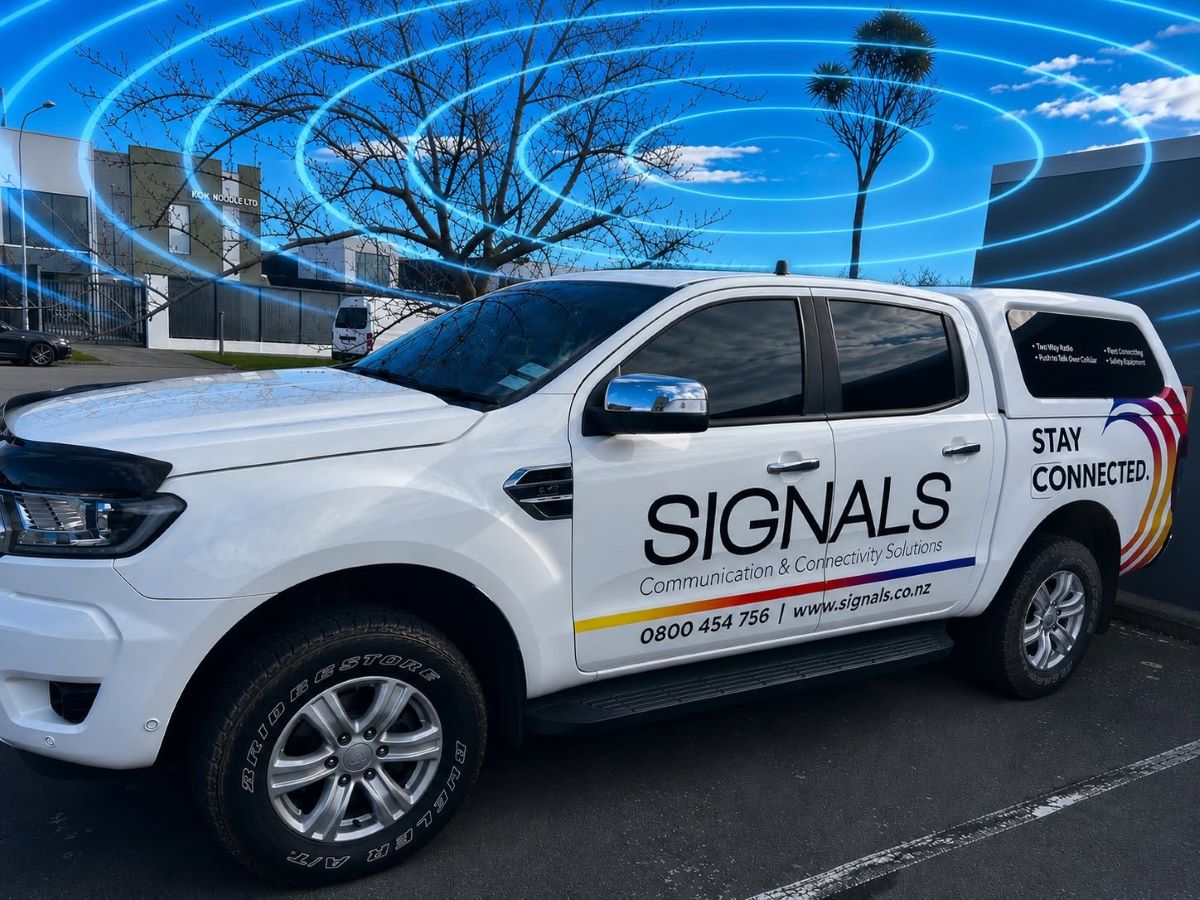
Ten years ago, a work vehicle needed a two-way radio and maybe a phone cradle. Today the same ute or van might carry a phone, a tablet for job sheets, a laptop, a dash camera, a GPS tracker, an electronic logbook and a push-to-talk radio, all of them needing a data connection, and most of them fighting for signal from inside a metal cab.
That’s why vehicle Wi-Fi has moved from a nice-to-have to a practical requirement for many New Zealand fleets. A vehicle router with roof-mounted antennas gives every device in and around the vehicle one strong, managed connection. It solves coverage problems, keeps crews productive and, for many fleets, reduces what they spend on mobile data. Here are seven reasons it’s becoming standard equipment.
What is vehicle Wi-Fi?
A vehicle Wi-Fi system is a 4G or 5G router installed in the vehicle, connected to external cellular antennas on the roof. The router takes the mobile signal and shares it as a Wi-Fi network in and around the vehicle. Phones, tablets, laptops and other devices connect to the vehicle’s Wi-Fi instead of each using their own mobile connection.
Fleet-grade routers can hold two SIM cards from different carriers, run from the vehicle’s power supply, and be managed remotely.
1. Your crews now run on cloud apps
Job management, digital forms, quoting, proof of delivery, health and safety checklists, electronic logbooks, parts ordering and customer sign-off all happen in apps that need a live connection. When the connection drops, the work stops: forms won’t submit, photos won’t upload and job updates don’t reach the office.
A vehicle router gives those apps a consistent connection throughout the working day, so information moves between the field and the office as the work happens, not at the end of the shift.
2. Better coverage than a phone on its own
A phone sitting inside a vehicle is at a disadvantage. The metal body of the vehicle weakens the signal, and a phone’s small internal antenna is designed for size, not performance. A vehicle router connected to external, roof-mounted antennas sits outside that metal shell, with antennas designed to hold onto a weaker signal.
Dual-SIM routers add a second layer: if one carrier’s network drops out, the router can switch to the other. For fleets working across rural New Zealand, the difference can be the gap between staying connected and losing contact for stretches of the day.
Signals delivered exactly this for Tranzit, using in-vehicle routers and external aerials to improve coverage on regional bus routes.
3. Lower data costs and simpler billing
Many fleets pay for data several times over in each vehicle: a plan on the driver’s phone, another on the tablet, another on the laptop, and sometimes extra top-ups when someone hotspots from their phone and runs out. With vehicle Wi-Fi, devices share one data connection through the router.
That can mean:
- Fewer individual data plans, or smaller ones, for phones, tablets and laptops.
- Wi-Fi-only tablets instead of more expensive cellular models.
- One plan per vehicle that’s easy to forecast and manage.
- No surprise overage charges from staff hotspotting from personal phones.
The savings depend on how many connected devices each vehicle carries and how your current plans are set up, so it’s worth auditing your mobile bill before you start. For vehicles carrying several devices, the router can often pay for itself.
4. The vehicle becomes a mobile office
For field technicians, inspectors, project managers and sales staff, a reliable connection turns the vehicle into a place where work gets done. Reports can be written and sent between jobs, quotes issued on site, drawings downloaded and video calls joined from the cab, without driving back to the depot or hunting for a café with Wi-Fi.
Less time travelling to find a connection means more billable hours, fewer kilometres and faster turnaround for customers.
5. Safety systems depend on connectivity
Many of the tools that keep workers safe now rely on data:
- Push-to-talk over cellular radios and apps such as Press2Talk, which can run over the vehicle’s Wi-Fi where the phone’s own signal is weak.
- Lone worker apps and devices that send SOS alerts and location to a dispatcher.
- Dash cameras and body-worn cameras that upload footage.
- GPS tracking and driver behaviour monitoring.
- Digital pre-start checks and hazard reporting.
A strong vehicle connection makes all of these more reliable. And for crews who work beyond mobile coverage, a vehicle router can be paired with a Starlink satellite terminal to bring a connection to places the cellular network doesn’t reach.
6. A better experience for passengers and staff
For bus, coach, shuttle and tourism operators, on-board Wi-Fi is part of the service customers expect. InterCity, for example, began rolling out free Wi-Fi across its national coach network back in 2014. The same router can also carry operational traffic such as ticketing, passenger information and CCTV, with passenger and operational networks kept separate.
It matters for staff too. Crews on long rural runs, remote sites and multi-day jobs value being able to stay in touch with family during breaks, something that helps with wellbeing and with keeping good people.
7. Future-ready and easier to manage
New Zealand’s 3G networks have now closed, with networks completing their shutdowns between December 2025 and March 2026. Any vehicle device that relied on 3G stopped connecting. Fleets that had one modern router in each vehicle, rather than a collection of devices each with its own modem, had far less to replace.
A central vehicle router makes the next change easier too. Moving from 4G to 5G, switching carriers or adding new devices becomes a change to one piece of equipment, often managed remotely, rather than a fleet-wide hardware swap. A managed router also gives you control over security, content filtering and which devices can connect, something you don’t get when staff hotspot from personal phones.
Phone hotspot vs vehicle Wi-Fi
| Phone hotspot | Vehicle Wi-Fi router | |
|---|---|---|
| Signal strength | Internal phone antenna inside a metal cab | Roof-mounted external antennas |
| Carrier backup | One SIM | Dual-SIM options across two carriers |
| Battery | Drains the phone quickly | Powered by the vehicle |
| Data cost | Comes off one person’s plan | One managed plan per vehicle |
| When the driver leaves | Hotspot leaves with them | Stays with the vehicle |
| Management and security | Up to each user | Controlled and monitored centrally |
| Upgrade path | Replace phones | Update or swap one router |
Choosing the right vehicle Wi-Fi kit
Not every vehicle needs the same set-up. Signals offers three tiers of vehicle Wi-Fi kit, all supplied with external antennas and installed by our own technicians, and customisable for vehicle type and coverage objectives:
| Kit | What’s included | Best for |
|---|---|---|
| Essentials | 4G router, external cellular antenna for bonnet or dash mount, Wi-Fi antennas | Urban and suburban vehicles with good coverage and a few devices |
| Fleet | Industrial dual-SIM 4G router, two external cellular antennas with brackets, Wi-Fi antennas | Working fleets, regional travel and vehicles that need carrier backup |
| Enterprise | 5G dual-SIM router, two external cellular antennas with brackets (optimised mounting locations, incl. indoor and outdoor), external Wi-Fi antenna | High-data vehicles, mobile offices, passenger transport and future-proofing |
Questions to ask before you choose:
- How many devices connect in each vehicle, and how much data do they use?
- Where do your vehicles work, and which carriers cover those areas best?
- Do crews need a connection outside the vehicle, or only inside it?
- Will the router carry safety-critical traffic such as PoC radio or lone worker alerts?
- Do you need separate networks for staff, passengers or equipment?
Why fit vehicle Wi-Fi with Signals
- One visit, not three. Our technicians fit vehicle Wi-Fi alongside radios, GPS tracking and safety equipment, so each vehicle comes off the road once.
- Our own installers. Signals technicians, based in Christchurch and Auckland, and working on site nationwide.
- Antennas done properly. We understand antenna selection and placement, which is where most vehicle connectivity is won or lost. We’ll work to optimise this for your objectives.
- Proven in transport. Signals is the largest radio supplier to New Zealand’s bus and coach industry, and has delivered in-vehicle router solutions for regional bus routes.
- Part of a connected fleet. Vehicle Wi-Fi works with our push-to-talk over cellular radios, Press2Talk app, lone worker solutions and Waka Data GPS tracking.
Talk to us about vehicle Wi-Fi for your fleet. Call 0800 454 756 or email sales@signals.co.nz.
Related: A scalable lone worker app · Health and safety for towing and recovery fleets · How to choose a PoC radio
Common questions
Does vehicle Wi-Fi improve mobile coverage?
A vehicle router doesn’t create coverage where there is none, but external roof-mounted antennas can hold onto weaker signals much better than a phone inside the cab. Dual-SIM routers can also switch to a second carrier where the first has no coverage.
How much data does a vehicle Wi-Fi system use?
It depends on the devices and apps connected. Job management and messaging use little data; video calls, dash camera uploads and passenger Wi-Fi use much more. Reviewing current usage across phones and tablets is the best starting point.
Can vehicle Wi-Fi save money?
Often, yes. Sharing one vehicle data plan across several devices can reduce the number or size of individual plans, and Wi-Fi-only tablets cost less than cellular models. The saving depends on how many devices each vehicle carries.
Will it work with Starlink?
Yes. A vehicle or site router can use a Starlink terminal as its internet connection where there’s no mobile coverage, sharing it as Wi-Fi in the same way.
Do I need 5G?
Not always. 4G covers most fleet needs today. A 5G router suits vehicles with heavy data use (such as multiple passengers) or where you want to future-proof the installation.
Sources
- Signals NZ — GPS fleet tracking and vehicle Wi-Fi: signals.net.nz/product-category/gps-wi-fi/
- Telecommunications Forum — 3G shutdown complete nationwide (2 April 2026): tcf.org.nz
- Transport Talk — Free Wi-Fi on every InterCity route (December 2014): transporttalk.co.nz